


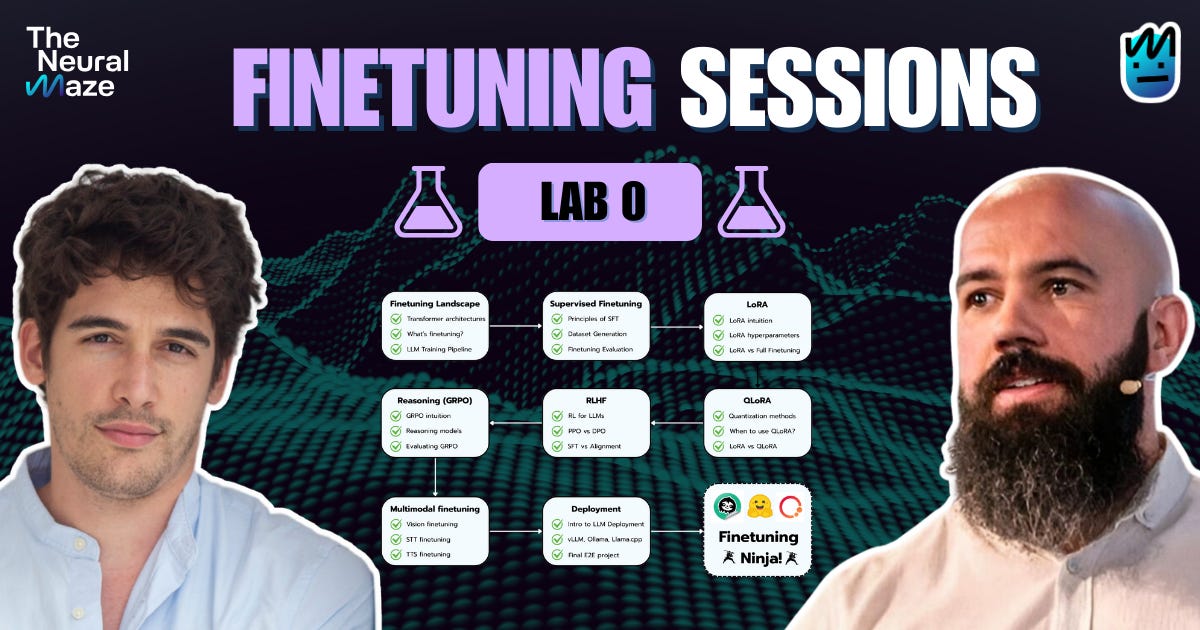
Welcome to Lab 0 of the Finetuning Sessions! 👋
Last Wednesday, we officially kicked off the course with an overview of the overall structure, the different content formats, what to expect from each part of the program, and the schedule for every Foundations Article, Applied Lab Article, and Live Office Hours.
⚠️ If you missed that introduction, we recommend starting with the article below!

The article you're reading now serves as Lab 0.
While it isn't tied to a specific lesson, it plays an essential role: it introduces the frameworks, tools, and services you'll be using throughout the course, so you can follow along smoothly in every upcoming lab.
Let's go! 👇
Training, tracking and, evaluation
This first section focuses on training, tracking, and evaluation, and introduces the two main libraries we'll be using extensively throughout the Finetuning Sessions.
Unsloth
Unsloth is a high-performance library designed to make finetuning large language models faster and more memory-efficient.
It provides optimized training pipelines that allow us to finetune modern LLMs on consumer and cloud hardware, without sacrificing performance or flexibility.
We'll rely on Unsloth for a wide range of finetuning techniques, from Continued Pretraining all the way to more advanced approaches like GRPO.
Importantly, you won't need to install Unsloth locally. Instead, we'll run it:
Inside Google Colab notebooks, and
Inside Hugging Face Jobs (more on that in the next section).
This setup allows us to focus on finetuning workflows and experimentation, without worrying about local environment issues!
Comet Ecosystem
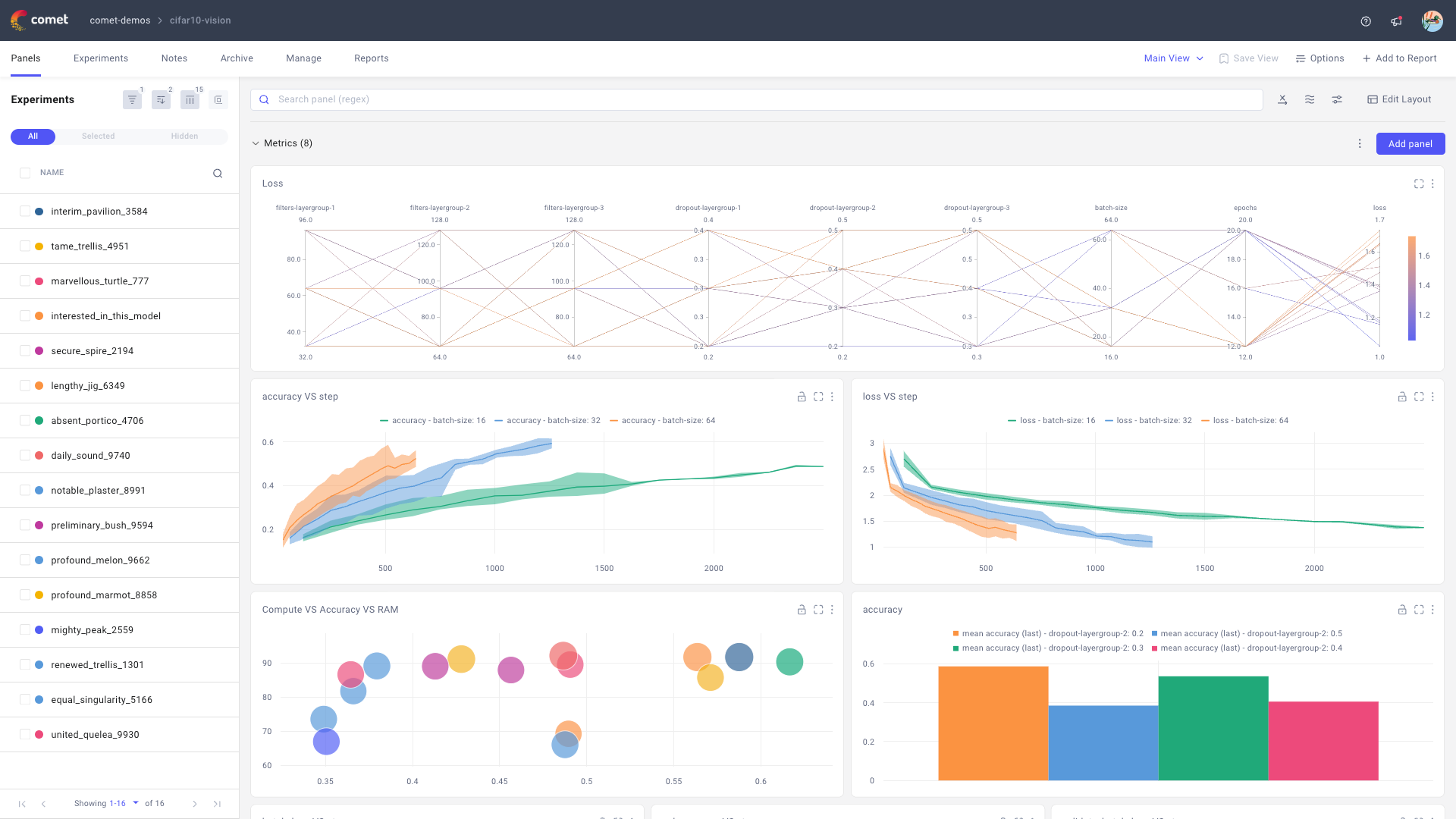
The Comet ecosystem provides the tooling we'll use to track, analyze, and evaluate our finetuning experiments. By ecosystem, we mean both traditional experiment tracking (metrics, losses, configurations) and more LLM-specific functionality provided by Opik.
🙋 Comet will help us answer one of the most important questions in finetuning: what actually works.
We'll use Comet to:
Create experiments when launching finetuning jobs
Log training metrics and losses
Compare multiple runs side by side
Identify which hyperparameters perform best for a given use case
Opik, the LLM-focused layer of the Comet ecosystem, will be used to evaluate the LLM systems we build throughout the course. Specifically, we'll use Opik to:
Run batch evaluations on model outputs
Perform real-time evaluations during inference
Analyze and compare different model versions as systems evolve
Together, Comet and Opik give us visibility into both how models are trained and how they behave in practice, which is essential for building reliable LLM applications.
Compute, Jobs, and inference
In this section, we'll focus on where and how our models actually run.
We'll introduce Hugging Face Jobs for launching and managing finetuning workloads, as well as Hugging Face Inference Endpoints for serving and testing models in production-like settings.
Hugging Face Jobs

We'll use Hugging Face Jobs to run our finetuning workloads on Hugging Face–managed infrastructure. Jobs execute commands from a Docker image on managed compute, with access to GPUs.
Hugging Face Inference Endpoints
For inference, we'll rely on Hugging Face Inference Endpoints when we want to deploy and test the models we train throughout the course.
Inference Endpoints let us deploy models quickly without worrying about infrastructure setup, server management, or deployment complexity.
🙋This allows us to focus on evaluating model behavior, testing real-world usage, and iterating on our finetuned models
If this is your first time using Hugging Face Jobs or Inference, no worries … we've got you covered. In the video below, Antonio walks you through setting up a Pro account, running your first Hugging Face Job, and deploying your first LLM using Hugging Face Inference Endpoints .
This is the code he'll be using throughout the tutorial 👇
Going forward, our Labs will follow the same structure: sharing the code upfront, then walking through it step by step so you can follow along.
In the upcoming Office Hours, we'll review all the prerequisites again and show you how to confirm that both your Hugging Face Jobs and Hugging Face Inference Endpoints are set up and running correctly.
For now, you can copy and paste the commands below to run the exact same commands Antonio is using for the Hugging Face Jobs and Hugging Face Inference deployments.
Hugging Face Job
hf jobs uv run --flavor a10g-small main.py --input_text "'The answer is 42'"Hugging Face Endpoint
python inference_sample.py "The capital of France is" --model "Qwen/Qwen3-0.6B-Base" --max_tokens 1024⚠️ Please note: these are just two simple scripts, intended only to help you validate that everything is working as expected.
Our Sponsors
We'd also like to take a moment to thank our sponsors Unsloth and Comet (Opik) for making the Finetuning Sessions possible!
Next Steps
🎙️ This Sunday at 4:00 PM CET, we'll host our first Office Hours for the Finetuning Sessions.
We'll revisit everything covered so far, talk more about the course, and (most importantly) answer your questions live!
See you on Sunday! 👋
¡Gracias Alberto! El token está eliminado desde que se grabó el vídeo; no obstante, te agradezco mucho el comentario 🙂
The Lab 0 is amazing; I can't wait to be a fine-tuned ninja.